


Digital signage has moved from an expensive novelty to a standard fixture in retail stores, corporate lobbies, and restaurants across India. If you’ve priced out printed banners against a digital screen and wondered why retail chains in Mumbai and Gurgaon keep switching, the answer comes down to flexibility: one screen can update a hundred menu boards or redirect footfall with a single change pushed from a laptop, no reprinting or reinstallation involved.
But setting up digital signage isn’t just buying a screen and plugging it in. The display technology, content software, mounting, and network setup all affect how well the system performs and what it ends up costing. This guide walks through the practical steps, based on installations we’ve handled since 2015.
What Is Digital Signage?
Digital signage is a network of electronic screens, usually LED or LCD, that show dynamic content such as videos, promotions, menus, or wayfinding information, managed remotely through content management software. Unlike a printed poster, the same screen can show a different message every hour, sync with screens across multiple store locations, or pull in live data like weather, offers, or queue times.
Why Digital Signage Matters for Businesses Right Now
Industry estimates put India’s digital signage market at roughly USD 1 billion to 1.3 billion as of 2024-2026, growing at close to 10-14% a year, driven mainly by retail expansion, hotel and QSR growth, and metro rail and airport projects in tier-1 and tier-2 cities. Globally, LED panel prices have also fallen sharply over the past few years, which is a big reason video walls that once looked like a large-format luxury are now within reach of mid-sized retailers and restaurant chains.
A few reasons businesses are making the switch:
• Content changes in minutes. A price update or festival offer goes live across every connected screen without printing or courier costs.
• One system, many locations. A retail chain with outlets in Delhi, Noida, and Bangalore can run the same campaign, or localise it per store, from one dashboard.
• Screens draw attention that static posters don’t. Motion and video consistently pull more eye contact than a fixed print, which matters most in high-footfall spaces like malls and airports.
• Data can flow onto the screen itself. Queue counters, live offers, or weather-linked promotions are all possible once the display is networked.
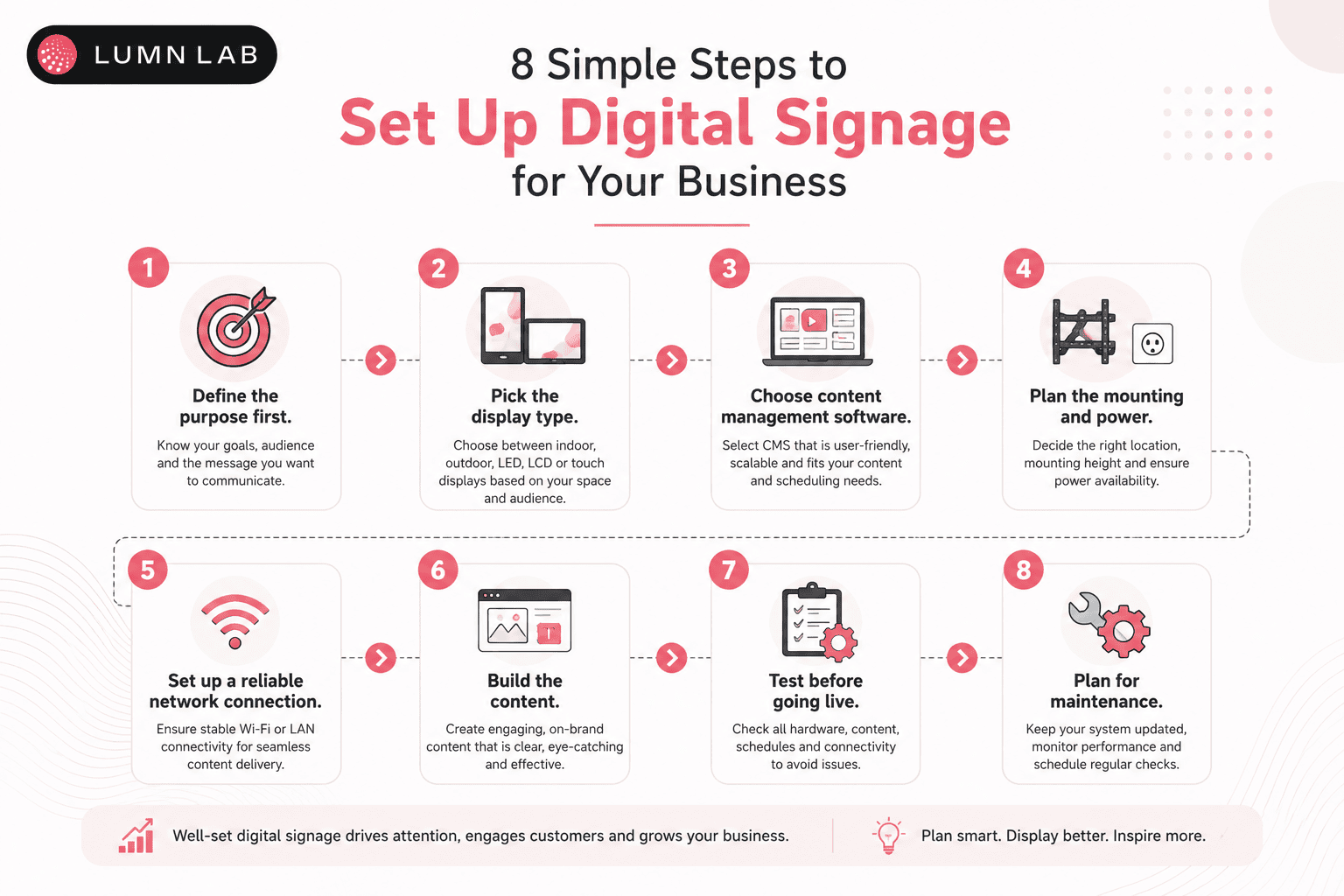
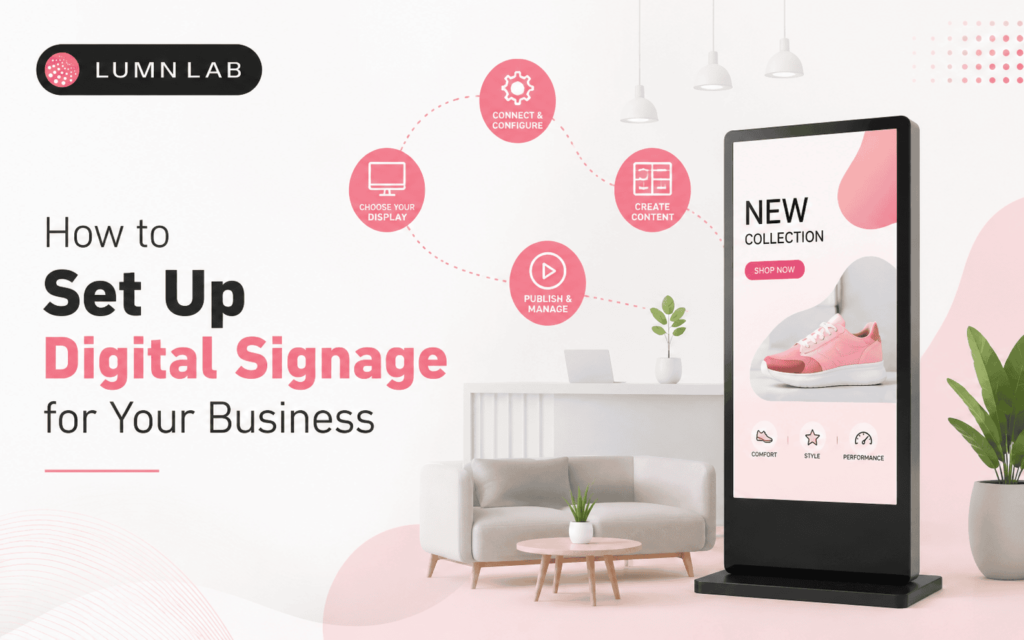
How to Set Up Digital Signage for Your Business: Step by Step
1. Define the purpose first
Advertising, wayfinding, a menu board, and an internal announcements screen each need different content, screen placement, and even hardware. Decide this before you look at a single display.
2. Pick the display type
Match LED or LCD to the viewing distance, ambient light, and screen shape you need (see the comparison below).
3. Choose content management software
A cloud-based CMS lets you update content from a browser or phone. A local, on-device system is cheaper but means someone has to physically update the screen.
4. Plan the mounting and power
Wall mount, ceiling-hung, or a freestanding kiosk each need different structural checks, and a dedicated power circuit is worth the extra wiring cost to avoid flicker or downtime.
5. Set up a reliable network connection
Wired ethernet is more stable than Wi-Fi for anything playing video continuously; a dropped connection mid-loop looks worse than no screen at all.
6. Build the content
Keep templates simple, match the screen’s aspect ratio, and avoid cramming too much text onto one slide — a passer-by has about 3-5 seconds to read it.
7. Test before going live
Check brightness in actual daylight or store lighting, not just in a showroom, and confirm content displays correctly on the exact screen resolution you’re installing.
8. Plan for maintenance
Firmware updates, panel cleaning, and uptime monitoring aren’t optional extras; they’re what keeps a signage investment from turning into a dead screen within a year.
If this list feels like a lot to plan around a single screen, that’s normal — most of our clients start with a site survey before choosing hardware. Lumn Lab can walk your team through the display, CMS, and installation options for your specific space; reach out to us to schedule one.
Also Read: LCD or LED Display: Which Is Better for Your Business?
Choosing the Right Digital Signage Technology
LED and LCD solve different problems. Here’s how they compare on the factors that actually affect a setup decision:
| Factor | LED Display | LCD Video Wall |
| Best viewing distance | Works well from 2 metres and up, depending on pixel pitch | Better for close-range viewing, under 2 metres |
| Ambient light / outdoor use | Handles direct sunlight; used outdoors and in bright lobbies | Needs shade or an anti-glare finish; mostly indoor |
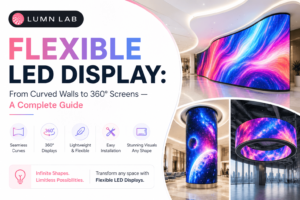
| Screen size flexibility | Modular panels scale to almost any size or shape | Fixed panel sizes; large walls need visible seams between units |
| Bezels / seams | Seamless when installed correctly | Thin bezels are visible between panels |
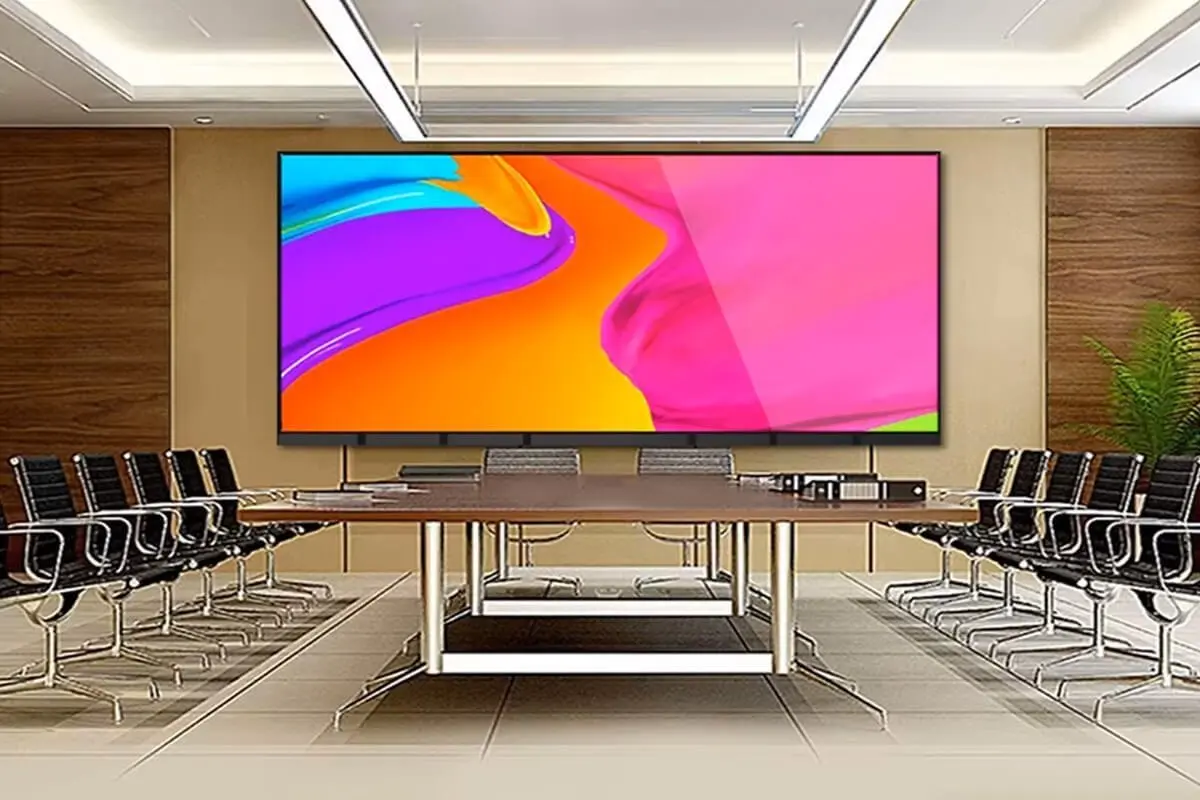
| Typical use case | Storefronts, stadiums, large lobbies, outdoor hoardings | Menu boards, reception desks, meeting rooms |
| Maintenance | Individual modules can be swapped without replacing the whole screen | A cracked panel usually means replacing that full unit |
As a starting rule: LCD works well for a single reception screen or menu board viewed up close. LED is the better call once you need a large video wall, outdoor visibility, or an unusual screen shape.
Digital Signage Applications Across Industries
The right setup depends heavily on where the screen lives:
• Retail — promotional walls and window displays in malls across Delhi and Gurgaon, price and offer boards that update by the hour without reprinting.
• Hospitality — lobby and lift-bank screens in hotels, digital menu boards in restaurants and QSR chains, common in newer properties across Mumbai and Bangalore.
• Corporate offices — reception branding and internal announcement screens in office towers in Noida and Gurgaon, often tied into a broader employee communications system.
• Transportation — wayfinding and passenger information displays at metro stations and airports, a segment growing quickly as metro networks expand in Delhi, Mumbai, and Bangalore.
• Education — notice boards and event screens in campus lobbies, replacing printed circulars that go out of date within a week.
• Healthcare — token and queue-management displays in hospital waiting areas, reducing the crowding around a single printed token counter.
Common Digital Signage Setup Mistakes to Avoid
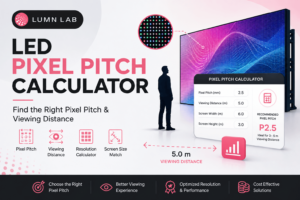
• Buying a pixel pitch that’s too coarse for the viewing distance, which leaves the image looking grainy up close.
• Treating the screen like a poster — running one static image for months defeats the point of paying for a dynamic display.
• Skipping a proper network and power plan, then troubleshooting flicker or buffering after installation instead of before.
• Installing outdoor-rated hardware indoors (or vice versa) to save cost, which usually shortens the panel’s lifespan.
• No maintenance plan, so a single dead module or software glitch sits unnoticed for weeks.
Conclusion
Setting up digital signage for your business comes down to a handful of decisions done in the right order: define what the screen needs to do, pick LED or LCD based on where it will sit, choose a CMS that your team can actually operate, and plan the installation and maintenance before the screen goes live. Skip that order and you end up with a screen that looks impressive on day one and gets ignored by month three.
Lumn Lab has been designing, manufacturing, and installing LED displays for businesses across India since 2015, from single reception screens to large-format video walls for retail and hospitality brands.
If you’re planning a digital signage rollout and want a straight answer on hardware, pixel pitch, and realistic cost for your space, get in touch with the Lumn Lab team for a site survey and quote.
Ready to Set Up Digital Signage for Your Business?
From a single reception screen to a full storefront video wall, Lumn Lab has been designing, manufacturing, and installing premium LED displays across India since 2015. Get expert guidance, transparent pricing, and end-to-end support for your next digital signage project.
Frequently Asked Questions
Q. What is digital signage used for?
Digital signage is used to display advertising, menus, wayfinding, queue information, and internal communications on electronic screens that can be updated remotely, without reprinting anything.
Q. How much does digital signage cost in India?
A single indoor LCD screen with a basic media player can start around ₹40,000 to ₹80,000. A custom LED video wall runs into lakhs, depending on pixel pitch, panel size, and installation complexity. Get a site-specific quote rather than relying on a flat number.
Q. What is the difference between LED and LCD digital signage?
LED displays are built from modular panels, work in direct sunlight, and scale to large or unusual shapes. LCD screens are single fixed panels, better suited to close viewing indoors, and generally cost less for smaller installations.
Q. Do I need special software to run digital signage?
Yes. A content management system (CMS) is what lets you schedule, update, and monitor content remotely. Most vendors offer cloud-based CMS platforms that work from a browser, so you don’t need on-site IT staff for daily changes.
Q. How do I choose the right screen size for digital signage?
Match the screen size and pixel pitch to viewing distance. As a rough rule, divide the expected viewing distance in metres by 1 to get the maximum pixel pitch in millimetres for a sharp image — closer viewing needs a finer pixel pitch.
Q. Can digital signage work outdoors?
Yes, but it needs outdoor-rated LED panels with higher brightness (usually 4,000 nits or more), IP65-rated weatherproofing, and proper ventilation. Standard indoor LCD screens are not built for outdoor heat, dust, or direct sun.
Q. How long does digital signage installation take?
A single indoor screen can be mounted and configured in a day. Larger LED video walls, especially custom builds, typically take one to three weeks from site survey to go-live, depending on structural work and panel size.
Q. Is digital signage worth it for small businesses?
For businesses with content that changes often, such as daily specials, offers, or queue updates, digital signage usually pays for itself within a year through avoided printing costs and better customer attention. For a static message that never changes, printed signage may still be the cheaper option.
Keep Reading