


Most LED display quotes start the same way: a buyer describes their space over email or a phone call, a vendor sends back a rough estimate, and both sides spend a week going back and forth on details that could have been settled in ten minutes. An LED display configurator fixes this by letting you set your own dimensions, pixel pitch, and installation environment online, so the quote you get back is based on what you actually specified.
Whether you’re an event planner sizing a stage backdrop, a retail chain speccing storefront screens for stores in Mumbai or Bangalore, or a systems integrator preparing a client proposal, configuring the display yourself before contacting a vendor saves real time. This guide covers what an LED configurator actually does, how to use one correctly, and where buyers commonly get their specs wrong.
What Is an LED Display Configurator?
An LED display configurator is an online tool that lets you build a custom LED screen specification by selecting variables like screen width and height, pixel pitch, indoor or outdoor use, and installation type. Instead of describing your project in a form, you build the actual display, and the tool returns a specification sheet and estimate you can share with a vendor or your own team.
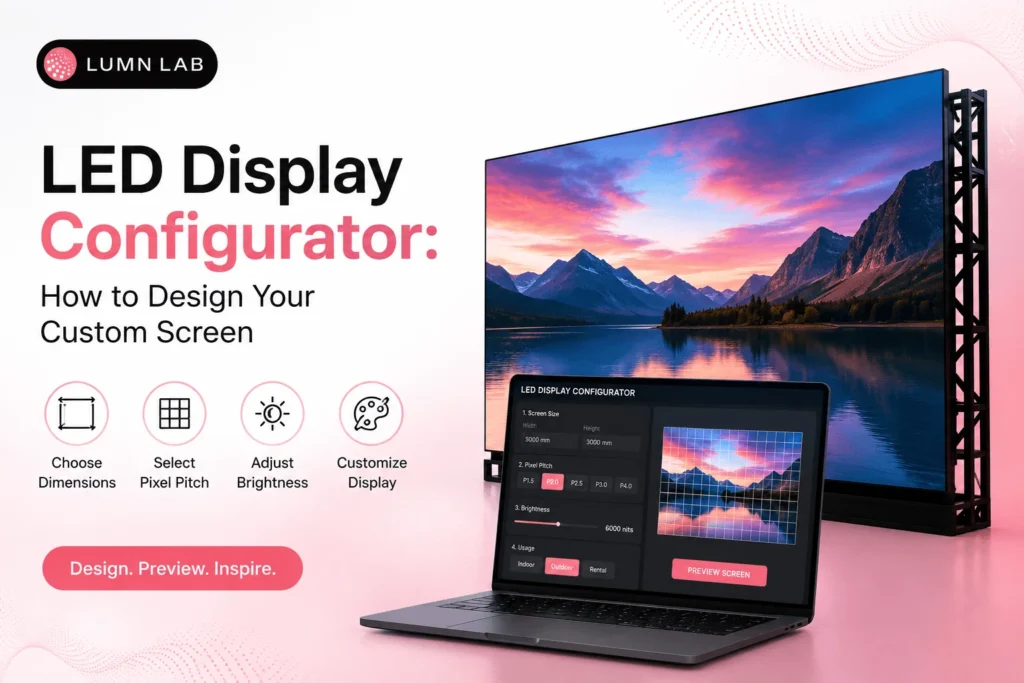
Lumn Lab’s LED Configurator works this way: you set your dimensions and application, and it returns a matched pixel pitch, panel count, and a starting specification, so a sales conversation begins with real numbers instead of assumptions.
What You Can Configure in an LED Display Tool
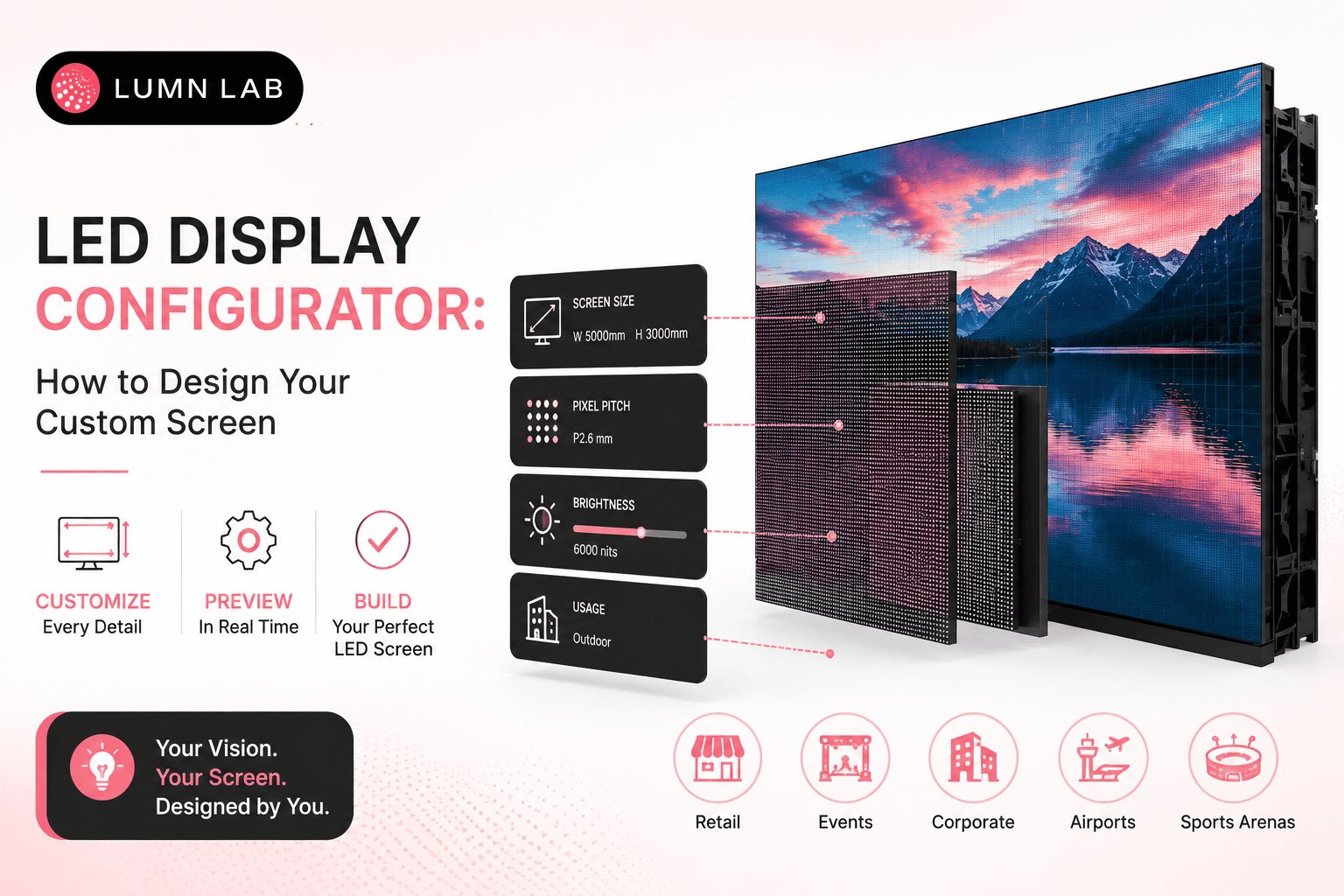
Most configurators, including Lumn Lab’s, let you adjust the same core set of variables that determine both cost and image quality:
• Screen dimensions — width and height, usually in cabinet-size increments
• Pixel pitch — the distance between LED clusters, which determines minimum viewing distance
• Indoor vs. outdoor rating — affects brightness, weatherproofing, and panel cost
• Installation type — fixed wall-mount, rental/touring, floor-standing, or curved
• Application — retail, corporate, events, or advertising, which affects recommended brightness and refresh rate
How to Configure Your LED Display Online: Step by Step
1. Start with your space, not the screen. Measure the wall, stage, or storefront area you’re working with before opening the configurator.
2. Set your viewing distance. This determines the pixel pitch range you should even be considering — closer viewing needs a finer pitch.
3. Choose indoor or outdoor. Outdoor displays need higher brightness (measured in nits) and weatherproof housings, which changes the available panel options.
4. Enter your dimensions in the configurator. Most tools round to the nearest cabinet size, so your final screen size may differ slightly from your exact wall measurement.
5. Review the generated specification. Check pixel pitch, panel count, and estimated brightness against your use case before requesting a quote.
6. Request a quote with the generated spec attached, rather than a general enquiry — this is what actually shortens the back-and-forth with a vendor.
Configurator vs. Manual Quote Request
Both routes get you to a quote, but they don’t take the same amount of time or produce the same accuracy:
| LED Configurator | Manual Quote Request | |
| Time to first estimate | A few minutes | Typically 1–3 business days |
| Spec accuracy | Based on your exact inputs | Based on a vendor’s interpretation of your description |
| Back-and-forth needed | Minimal — spec is attached upfront | Often several rounds of clarification |
| Best for | Buyers who know their space and use case | Complex or unusual installations needing a site visit |
LED Configurator Use Cases by Industry
Retail and Storefronts
Retailers configuring displays for multiple store locations across cities like Delhi and Noida use the tool to standardize specs across a chain, so every store gets a consistent screen size and brightness.
Events and Stage Design
Event planners in Delhi NCR use configurators to test different stage backdrop sizes against a fixed budget before committing to a rental vendor.
Corporate and Systems Integrators
AV integrators preparing client proposals use the configurator to generate a defensible spec sheet quickly, rather than estimating pixel pitch and panel count by hand for every boardroom or lobby project.
Common Mistakes When Configuring a Custom LED Display
• Setting screen size based on wall space alone, without checking viewing distance first
• Choosing an indoor-rated configuration for a partially outdoor or semi-covered installation
• Ignoring cabinet-size increments, then being surprised the final screen size differs from the exact wall measurement
• Skipping brightness requirements for high-ambient-light spaces like storefronts with large windows
• Requesting a quote without the generated specification attached, which puts you back into a manual back-and-forth
Getting these details right before contacting a vendor is the entire point of using a configurator. Try Lumn Lab’s LED Configurator to build your spec, then send it through for a formal quote.
Conclusion
An LED display configurator turns a vague idea — “we need a screen for this wall” — into a specification you can actually act on: dimensions, pixel pitch, and installation type, set by you instead of guessed at by a vendor. It’s the fastest way to get an accurate estimate without a week of email back-and-forth.
Lumn Lab has been designing, manufacturing, and installing LED displays since 2015, across retail, corporate, events, and public infrastructure projects nationwide. Build your specification with our LED Configurator and send it through for a custom quote from our team.
Frequently Asked Questions
Q. What is an LED display configurator used for?
An LED display configurator is used to design a custom LED screen specification — setting dimensions, pixel pitch, and indoor/outdoor rating online — before requesting a formal quote from a manufacturer.
Q. How accurate is a configurator’s estimate compared to a formal quote?
A configurator’s estimate is a strong starting point based on your exact inputs, but a formal quote may adjust slightly after a site assessment, especially for unusual installation types like curved screens or structural mounting.
Q. Can I configure both indoor and outdoor LED displays?
Yes. Most configurators, including Lumn Lab’s, let you select indoor or outdoor use, which changes the brightness and weatherproofing options shown for your specification.
Q. Do I need technical knowledge to use an LED configurator?
No. You need your space dimensions and rough viewing distance — the tool handles the pixel pitch and panel matching based on those inputs.
Q. What’s the difference between pixel pitch and screen size in a configurator?
Screen size is the physical width and height of the display, while pixel pitch is the distance between LED clusters that determines image sharpness at a given viewing distance. A configurator matches the two based on your inputs.
Q. Can I configure a curved or non-standard LED display shape?
Standard configurators handle flat, rectangular screens well; curved or custom-shaped installations typically need a follow-up consultation after your initial configuration.
Q. Is using an LED configurator free?
Yes, using Lumn Lab’s LED Configurator to build and review a specification is free — you only move to a formal quote when you’re ready.
Q. How is a configurator different from a pixel pitch calculator?
A pixel pitch calculator answers one question — what pitch fits your viewing distance — while a configurator builds a full specification, combining pixel pitch, dimensions, and installation type into one output.
Keep Reading