

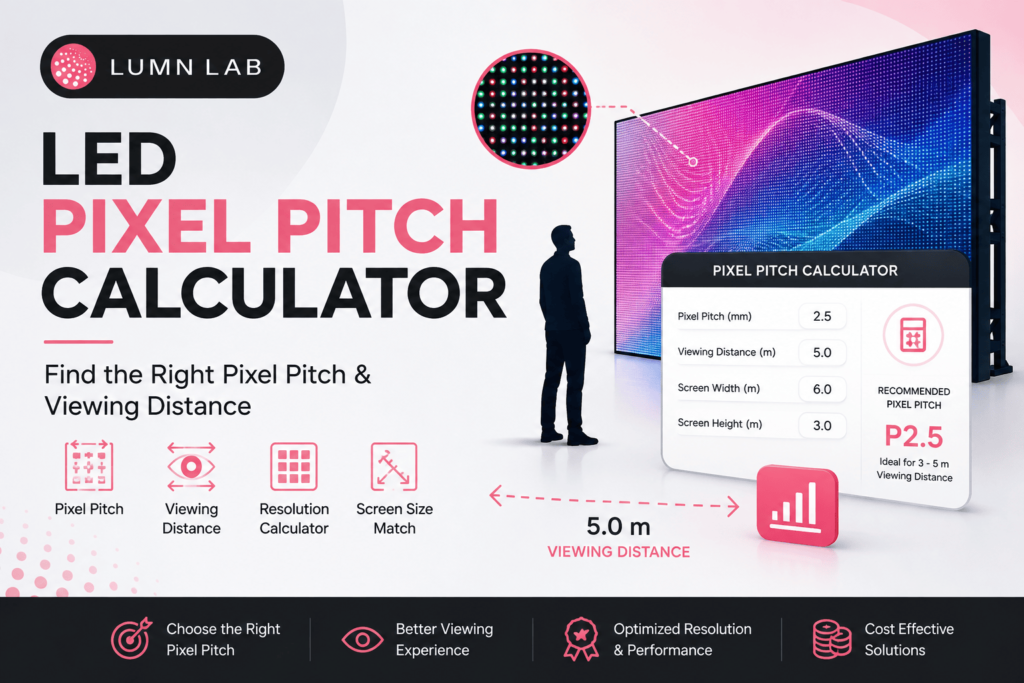

Picking a pixel pitch by eyeballing a spec sheet is how most LED display budgets go sideways. A screen that looks razor-sharp in a showroom can look grainy from the back of a banquet hall, or needlessly expensive for a highway billboard nobody stands closer than 40 metres to. A pixel pitch calculator solves this by connecting three numbers that actually matter: your pixel pitch, your typical viewing distance, and your screen size.
Get the ratio right, and you pay for exactly the resolution your audience will notice — no more, no less. This guide walks through how the calculation works, what the numbers mean for indoor and outdoor projects, and how to use one before you request a quote.
What Is a Pixel Pitch Calculator?
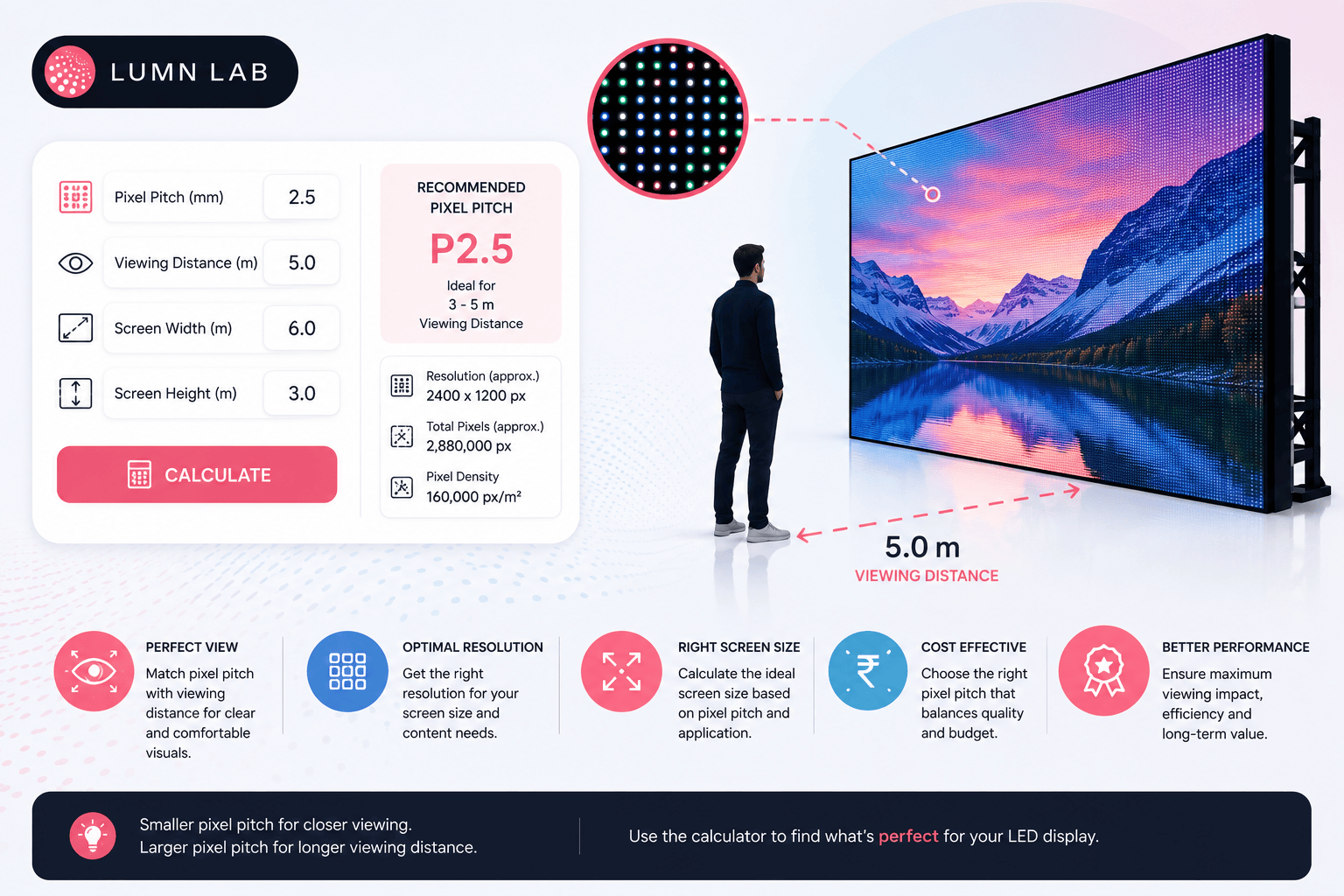
A pixel pitch calculator is a tool that converts pixel pitch (the distance in millimetres between the centres of two adjacent LEDs) into practical numbers — minimum viewing distance, optimal viewing distance, screen resolution, and pixels per inch. Instead of memorising formulas, you enter one known value — say, the pixel pitch or the distance your audience will stand from the screen — and the calculator returns the rest.
It exists because pixel pitch alone doesn’t tell you much. A P4 panel means nothing until you know whether it’s going on a boardroom wall six feet away or a stage 30 feet back. The calculator turns a spec number into a viewing experience you can actually picture.
How to Calculate Pixel Pitch and Viewing Distance
If you want to do it manually before relying on a tool, here are the working formulas the industry uses:
1. Minimum viewing distance (a widely used rule of thumb)
Minimum viewing distance (metres) ≈ Pixel Pitch (mm) × 1
This is the closest distance at which individual LEDs stop being distracting to the eye.
2. Optimal viewing distance
Optimal viewing distance (metres) ≈ Pixel Pitch (mm) × 3
This is the distance at which the image looks fully blended and natural — the range most vendors quote in proposals.
3. Pixel pitch to resolution
Horizontal pixels = Display width (mm) ÷ Pixel Pitch (mm)
Vertical pixels = Display height (mm) ÷ Pixel Pitch (mm)
4. Pixel pitch to PPI (pixels per inch)
PPI = 25.4 ÷ Pixel Pitch (mm)
These formulas align with AVIXA’s guidance on choosing pixel pitch, which recommends multiplying pixel pitch by roughly 10 to estimate the distance at which a viewer can no longer distinguish individual pixels. They give a workable estimate. Actual figures vary slightly by manufacturer and viewer eyesight, so treat the output as a planning range.
How Do I Use a Pixel Pitch Calculator for LED Display Selection?
The process is the same whether you’re speccing an indoor video wall or an outdoor billboard:
• Step 1: Enter your primary viewing distance — the distance from the screen to where most of your audience will actually stand or sit.
• Step 2: Let the calculator suggest a pixel pitch range for that distance.
• Step 3: Cross-check against your available wall space or structure size, since pixel pitch and physical size together determine total resolution.
• Step 4: Compare two or three pitch options against your budget — a tighter pixel pitch costs more per square metre because it packs in more LEDs and driver ICs.
• Step 5: Confirm brightness and environment (indoor vs outdoor) before finalising, since pitch alone doesn’t account for ambient light.
This sequence avoids the most common mistake we see: clients picking the finest pixel pitch available because it “sounds better,” then paying a premium for detail that’s invisible at their actual viewing distance.
Can a Pixel Pitch Calculator Help Choose Between Indoor and Outdoor Screens?
Yes — indirectly. The calculator itself works on distance and pitch, but the output naturally sorts displays into indoor-appropriate and outdoor-appropriate ranges, because viewing distances differ so much between the two environments.
| Factor | Indoor LED Wall | Outdoor LED Display |
| Typical pixel pitch range | P1.2 – P4 | P6 – P16 |
| Viewer proximity | Close (1–10 m) | Far (10–50+ m) |
| Brightness need | 800–1,500 nits | 5,000–8,000+ nits |
| Priority | Image clarity, color accuracy | Visibility in daylight, durability |
Indoor walls sit close to viewers, so a tighter pixel pitch (P1.2–P4) is worth the cost. Outdoor displays are viewed from much farther away and need to fight sunlight, so a coarser pitch (P6 and above) paired with higher brightness is usually the smarter spend.
What Is the Ideal Pixel Pitch for Outdoor Digital Billboards in India?
For most outdoor digital billboards along Indian highways and arterial roads, a pixel pitch between P8 and P16 is standard, depending on how far traffic sits from the structure. Billboards positioned close to pedestrian footfall — outside malls in Delhi, Gurgaon, or Noida, for instance — often use P6 to P8 for sharper close-range visibility, while highway-facing hoardings viewed from 30–50 metres can use P10 to P16 without any loss in perceived clarity.
Pixel Pitch, Resolution, and Viewing Distance by Use Case
| Pixel Pitch | Approx. Minimum Viewing Distance | Approx. Optimal Viewing Distance | Best Suited For |
| P1.2 – P1.9 | 1.2 m – 1.9 m | 3.5 m – 5.5 m | Control rooms, boardrooms, close-up indoor walls |
| P2.5 – P3 | 2.5 m – 3 m | 7 m – 9 m | Retail stores, corporate lobbies, indoor stages |
| P4 – P6 | 4 m – 6 m | 12 m – 18 m | Auditoriums, banquet halls, large indoor venues |
| P8 – P10 | 8 m – 10 m | 24 m – 30 m | Outdoor storefronts, near-field billboards |
| P10 – P16 | 10 m – 16 m | 30 m – 48 m | Highway billboards, stadium screens, large-format outdoor |
These ranges are general planning guidelines. Site conditions — ambient brightness, structure height, and viewing angle — can shift the ideal pitch up or down, which is why we recommend running your specific numbers through a calculator rather than relying on a table alone.
Recommended Pixel Pitch for Indoor Video Walls in Corporate Settings
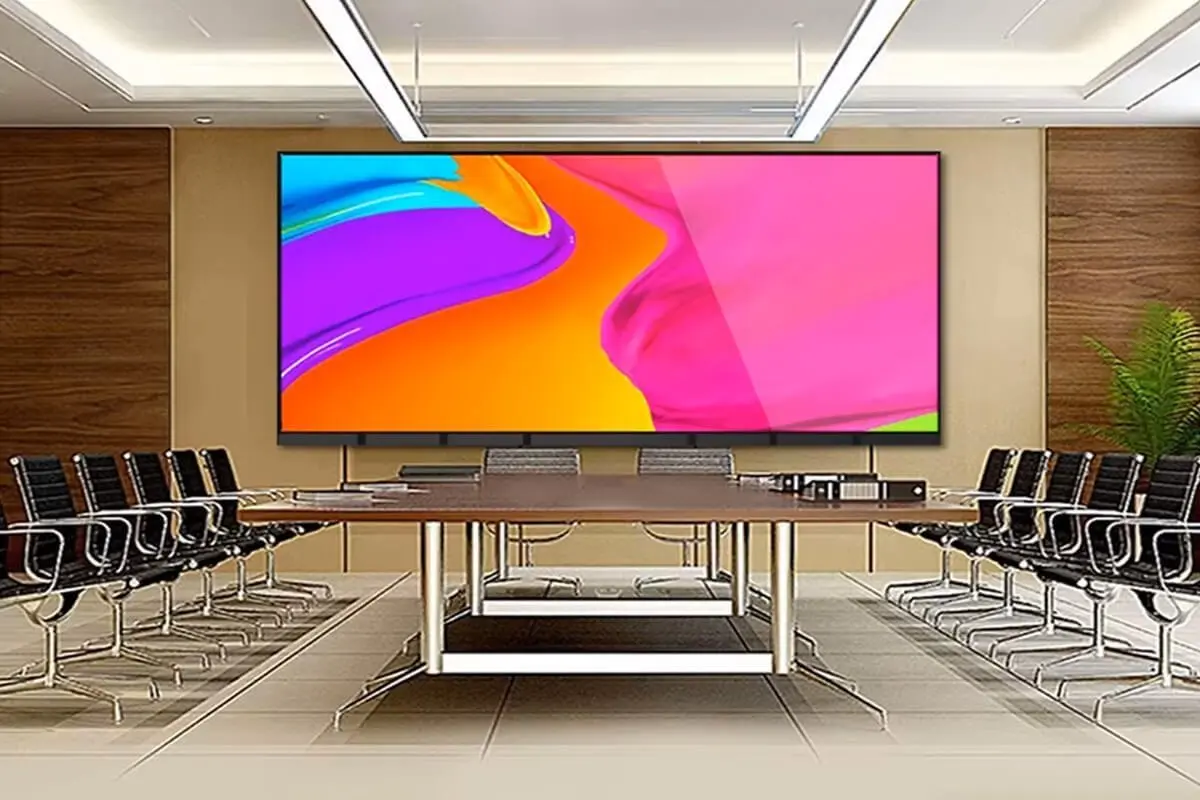
For boardrooms, reception areas, and control rooms in corporate offices across Bangalore, Mumbai, and Delhi-NCR, P1.5 to P2.5 is the sweet spot for most fit-outs. This aligns with Samsung’s guide to fine pixel pitch displays, which notes that viewers can’t visually distinguish between a 1.5mm and 3mm pitch once they’re more than about 25–30 feet away — reinforcing why finer, costlier pitches only make sense at close range.
It holds up under close inspection during video calls and presentations without pushing the budget as high as sub-P1.2 fine-pitch panels, which are typically reserved for broadcast studios and command centres where viewers sit within a metre or two of the screen.
Factors Affecting LED Display Cost Based on Resolution
Pixel pitch is one of the biggest cost levers in an LED project, but it isn’t the only one. Cost typically scales with:
• Pixel density: A finer pitch means more LEDs, more driver ICs, and more PCB area per square metre — directly raising module cost.
• Panel size and configuration: Custom shapes and curved installations cost more to engineer than standard flat rectangular walls.
• Brightness rating: Outdoor-grade panels with higher nits and better sunlight readability cost more than standard indoor modules.
• Refresh rate and IC quality: Panels built for broadcast or high-motion content need higher refresh rates, which adds to the bill of materials.
• Installation complexity: Rigging, structural support, and cabling costs vary by venue — a rental stage setup differs from a permanently fixed wall.
A pixel pitch calculator helps you isolate the resolution question early, so budget conversations with your vendor focus on real trade-offs instead of guesswork.
Where Can I Find an Online Pixel Pitch Calculator for LED Screens?
Several LED display manufacturers publish pixel pitch and viewing distance tools on their websites as part of their configurator or resource section. Lumn Lab’s Pixel Pitch and Viewing Distance Simulator is available in our calculator hub alongside our LED display configurator and DOOH revenue calculator, letting you move from “what pitch do I need” to a ballpark project estimate in the same session.
If you’re comparing vendors, it’s worth checking whether their calculator accounts for both minimum and optimal viewing distance, not just one — a tool that only shows the minimum distance can nudge you toward a coarser, cheaper pitch than your audience will actually be comfortable viewing at.
Talk to Lumn Lab About Your Project
Have a viewing distance and screen location in mind but not sure which pixel pitch fits your budget? Share your project details with the Lumn Lab team — we’ll walk through the numbers with you and recommend a pitch that matches how your screen will actually be viewed, not just what’s available in the catalogue.
Conclusion
Choosing a pixel pitch doesn’t have to be a guessing game. Once you know your typical viewing distance and roughly how large the screen needs to be, a pixel pitch calculator gives you a defensible starting point — one that balances image quality against cost instead of defaulting to the finest (and most expensive) option on the shelf.
Whether you’re planning a boardroom video wall in Bangalore, a retail display in Mumbai, or a highway billboard near Delhi-NCR, running the numbers first means the pixel pitch you land on actually matches how the screen will be used.
Lumn Lab has been designing and installing LED display solutions since 2015, and our team is glad to review your project specifics if you’d like a second opinion beyond the calculator output. Reach out to Lumn Lab to get a pixel pitch recommendation and quote tailored to your space.
Frequently Asked Questions
Q. How do you calculate pixel pitch?
Pixel pitch is set by the manufacturer during module design and measured centre-to-centre between two adjacent LEDs in millimetres. As a buyer, you select it based on required viewing distance and resolution, then confirm it against the datasheet.
Q. What is the resolution of a 2.9mm pixel pitch display?
It depends on physical screen size, not pitch alone — divide the panel’s width and height in millimetres by 2.9 to get the horizontal and vertical pixel count.
Q. What is a pixel pitch?
Pixel pitch is the centre-to-centre spacing between individual LED pixels, measured in millimetres. A smaller number means a sharper image at close range.
Q. What is a 5mm pixel pitch used for?
A 5mm (P5) pixel pitch suits indoor displays viewed from a moderate distance — retail signage, event backdrops, conference halls — or outdoor screens viewed from a reasonable distance rather than up close.
Q. Which is better — 12mm, 14mm, or 17mm pixel pitch?
None is universally better; it depends on viewing distance. Coarser pitches like P12–P17 suit large outdoor structures viewed from over 30–40 metres, such as highway billboards and stadium screens.
Q. Is a 2.6mm pixel pitch good for indoor use?
Yes. It works well for indoor walls viewed from roughly 2.5 to 8 metres — most retail stores, lobbies, and mid-size event spaces — balancing sharpness with a more accessible cost than sub-P2 fine-pitch options.
Q. What is the viewing distance for a 2.6mm pixel pitch?
Using standard planning formulas, a 2.6mm pitch has a minimum viewing distance of roughly 2.6 metres and an optimal viewing distance of around 7.8 metres.
Q. Which LED display manufacturers offer pixel pitch calculators on their website?
Several established manufacturers, including Lumn Lab, offer pixel pitch or viewing distance calculators as part of their online tools — check whether the tool covers resolution and PPI too, not just distance.
Keep Reading